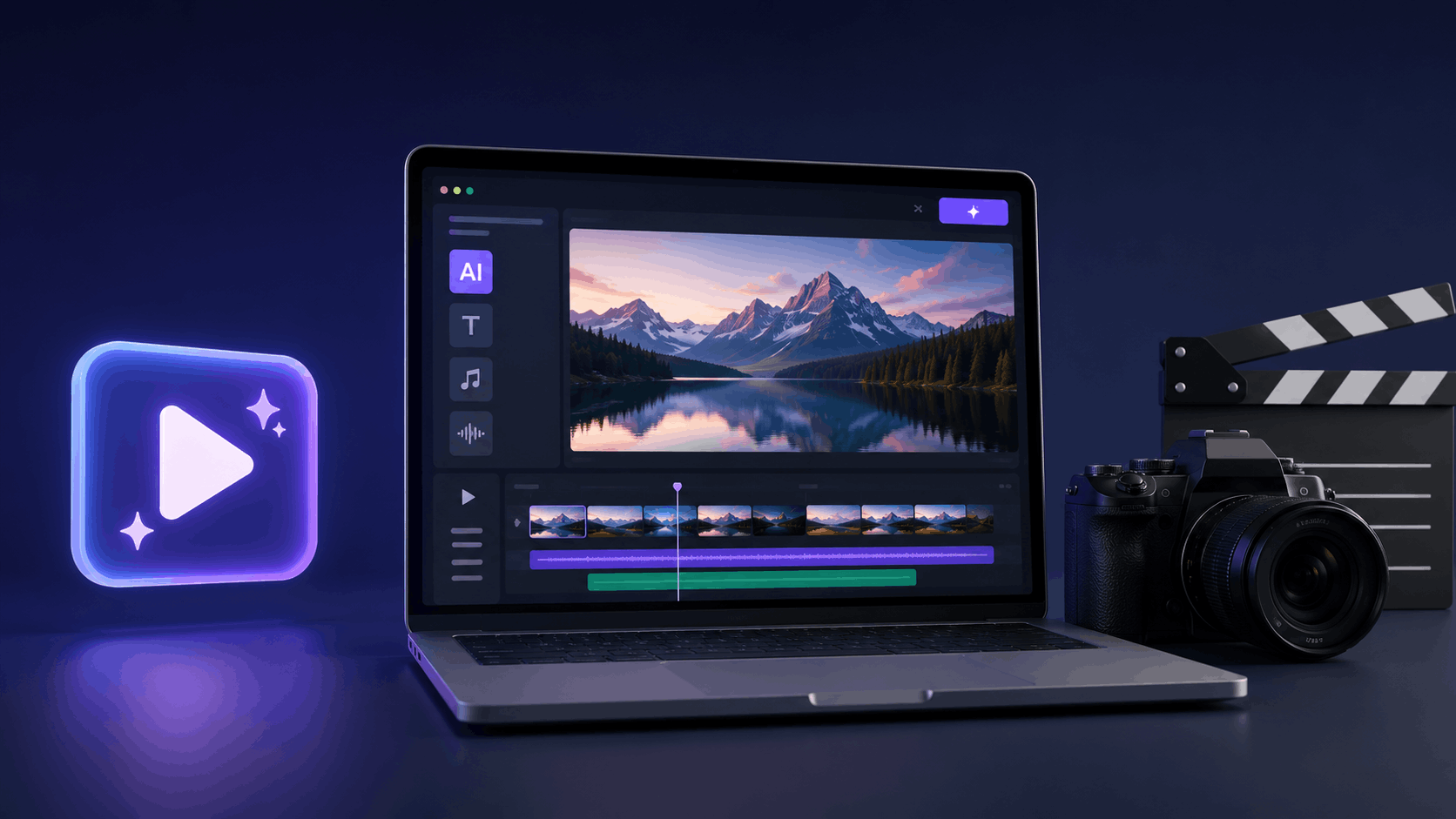
AI tools for video editing are changing how creators work in 2026.
Have you ever spent hours trimming clips, fixing small mistakes, or adding subtitles again and again? Video editing often feels time consuming, especially when content demand keeps increasing.
Now things are different. AI video editors can cut clips automatically, remove silence, add captions, and even improve video quality within minutes. Because of this, creators can focus more on ideas and storytelling instead of manual editing.
That is why YouTubers, marketers, educators, and small businesses are now using AI tools to edit faster, publish more, and stay consistent without stress.
Why Use AI Tools for Video Editing in 2026
Video content is growing faster than ever. At the same time, attention spans are getting shorter. Because of this, creators need to produce more videos without spending extra hours on editing.
AI tools for video editing help solve this problem.
First, they automate repetitive tasks like cutting silence, syncing audio, and adding subtitles. This alone saves a lot of time.
Next, they reduce the need for advanced editing skills. Even beginners can create clean and professional looking videos.
Most importantly, they help creators stay consistent. When editing becomes faster, publishing regularly becomes easier.
In 2026, AI video editors are not just about speed. They are about working smarter, reducing effort, and focusing on creativity instead of technical work.
Quick Summary of AI Tools for Video Editing in 2026
Before going into detailed reviews, this quick table will help you understand which AI video editing tool fits your needs best. If you are short on time, this section will save you effort.
| Tool Name | Best For | Main Time Saving Feature | Skill Level |
|---|---|---|---|
| Descript | Talking videos & podcasts | Text based editing | Beginner |
| Runway | Creative & AI effects | Object removal & AI tools | Intermediate |
| Pictory | Marketing & blog videos | Text to video automation | Beginner |
| Wisecut | YouTube videos | Auto silence removal | Beginner |
| InVideo | Social media & ads | Templates + AI scripts | Beginner |
| VEED.io | Online editing & captions | AI subtitles & text editing | Beginner |
Detailed Reviews of AI Tools for Video Editing
Now let us look at each AI video editing tool in detail.
In this section, you will understand how every tool works, what features it offers, and who should use it. This will help you choose the right AI video editor based on your content type, skill level, and time needs.
We will start with beginner friendly tools and then move towards more advanced options.
Descript
Overview
Descript is one of the easiest AI tools for video editing in 2026. It works differently from traditional editors. Instead of editing on a timeline, you edit your video by editing text. This makes the whole process faster and less confusing, especially for beginners.
How It Saves Time
Once you upload your video, Descript automatically converts speech into text. When you delete words or sentences from the text, the video edits itself. Because of this, long videos can be edited in minutes instead of hours.
Key Features
- Text based video and audio editing
- Automatic transcription with high accuracy
- Remove filler words like um and ah
- Screen and webcam recording
- AI voice cloning and overdub
Pros
- Very beginner friendly
- Huge time saver for long videos
- No complex timeline editing
- Perfect for talking head content
Cons
- Limited visual effects
- Not ideal for cinematic or heavy motion edits
Free or Paid
Free plan available with basic features. Paid plans unlock higher export quality and advanced AI tools.
Best For
Podcasters, YouTubers, educators, interview based content, and anyone who records talking videos regularly.
Runway
Overview
Runway is a powerful AI video editing tool used by creators who want advanced effects and smart automation. In 2026, it is known for features that can remove objects, change backgrounds, and even generate videos using AI.
How It Saves Time
Instead of manual masking or frame by frame edits, Runway uses AI to handle complex tasks automatically. This reduces editing time, especially for creative and visual heavy projects.
Key Features
- AI background removal without green screen
- Object removal and replacement
- Text to video generation
- Image to video animation
- Motion tracking with AI
Pros
- Strong AI powered features
- Saves time on complex edits
- High quality output
- Great for creative visuals
Cons
- Slight learning curve
- Free credits are limited
Free or Paid
Free plan available with limited credits. Paid plans offer higher usage and export quality.
Best For
Content creators, designers, filmmakers, and agencies working on creative or experimental video content.
Pictory
Overview
Pictory is designed for creators who want to turn text content into videos quickly. In 2026, it is widely used by bloggers, marketers, and businesses to create videos from articles, scripts, or ideas without manual editing.
How It Saves Time
You simply paste your text or blog link, and Pictory automatically selects visuals, adds captions, and builds a complete video. Because of this automation, video creation takes minutes instead of hours.
Key Features
- Text to video conversion
- Automatic captions
- Built in stock footage library
- Brand colors and logo support
- AI voiceovers
Pros
- Very easy to use
- Ideal for marketing and blog videos
- No editing skills required
- Consistent output quality
Cons
- Limited control over visuals
- Best suited for short videos
Free or Paid
Free trial available. Paid plans are needed for full exports and branding features.
Best For
Bloggers, content marketers, startups, and businesses creating explainer or promotional videos.
Wisecut
Overview
Wisecut is built mainly for talking videos and long recordings. In 2026, many YouTubers use it to edit videos quickly without spending time on manual cuts.
How It Saves Time
Wisecut automatically removes long pauses and silence from videos. It also adds background music and subtitles on its own. Because of this, raw recordings turn into clean videos within minutes.
Key Features
- Automatic silence removal
- AI generated subtitles
- Smart background music
- Jump cut editing
- Auto zoom on faces
Pros
- Extremely fast editing process
- Perfect for long talking videos
- Very easy to use
- Great for beginners
Cons
- Limited creative editing options
- Not suitable for cinematic videos
Free or Paid
Free plan available with basic features. Paid plans unlock higher quality exports and more AI controls.
Best For
YouTubers, vloggers, online coaches, educators, and anyone creating long talking videos.
InVideo
Overview
InVideo is a popular AI video editing tool for creating social media videos and ads quickly. In 2026, it is widely used by marketers and small businesses because it combines AI, templates, and stock media in one place.
How It Saves Time
Instead of editing from scratch, you start with ready made templates. You can also use AI to generate scripts and convert text into videos. This reduces planning and editing time significantly.
Key Features
- AI video script generator
- Text to video creation
- Large template library
- Stock videos, images, and music
- Social media ready formats
Pros
- Fast video creation
- Ideal for ads and promotional content
- Easy to use interface
- Good for beginners
Cons
- Free plan adds watermark
- Limited control for advanced editors
Free or Paid
Free plan available with watermark. Paid plans unlock HD exports and premium templates.
Best For
Social media managers, marketers, startups, and small businesses creating ads or promotional videos.
VEED.io
Overview
VEED.io is a browser based AI video editing tool that focuses on speed and simplicity. In 2026, it is widely used in India for quick edits, captions, and short form content without installing heavy software.
How It Saves Time
VEED.io automates tasks like adding subtitles, cleaning audio, and resizing videos for different platforms. Because everything runs online, you can edit and export videos quickly from any device.
Key Features
- AI auto subtitles
- Text based video editing
- Background noise removal
- Auto translation for captions
- One click resize for social platforms
Pros
- Works smoothly in India
- No installation required
- Very beginner friendly
- Excellent for caption heavy videos
Cons
- Internet connection required
- Limited advanced editing tools
Free or Paid
Free plan available with watermark. Paid plans unlock HD exports, translations, and advanced AI features.
Best For
YouTubers, podcasters, educators, social media creators, and small businesses needing fast online video edits.
How to Choose the Right AI Tool for Video Editing
Choosing the right AI video editing tool depends on how you create content and where you publish it.
If your videos are mostly talking based, tools like Descript and Wisecut will save the most time. They handle cuts, captions, and audio automatically.
If you create marketing or blog based videos, Pictory and InVideo work better. They turn text into videos and reduce planning effort.
If you focus on creative visuals and AI effects, Runway is the right choice. It offers more control and advanced features.
If you want quick online editing with strong caption support, VEED.io is a simple and reliable option.
Instead of using one tool for everything, pick the tool that matches your main content type.
Limitations of AI Tools for Video Editing
Even though AI tools save time, they still have some limitations.
AI edits may not always match your creative style perfectly. Advanced features often require paid plans.
Some tools depend fully on internet speed. Manual review is still needed before publishing.
Because of this, AI should be seen as a helper, not a full replacement for human judgment.
Who Should Use AI Video Editing Tools in 2026
Anyone creating videos regularly can benefit from AI video editing tools.
Creators on YouTube or social platforms can edit faster and publish more often without feeling overwhelmed.
Writers and marketers can turn ideas, blogs, or campaigns into videos without learning complex editing skills.
Teachers and coaches can focus on explaining concepts, while AI handles cutting, captions, and cleanup.
Growing businesses can produce consistent video content without hiring large editing teams.
In short, when saving time matters more than manual perfection, AI video editing tools become a smart choice in 2026.
Final Thoughts
Video creation in 2026 is no longer about spending hours on editing. It is about working smart and moving fast.
AI tools for video editing help reduce effort, save time, and remove technical barriers. From cutting clips to adding captions and improving quality, these tools handle tasks that once slowed creators down.
The real value of AI video editors is consistency. When editing becomes easier, publishing regularly feels possible. This matters for creators, marketers, educators, and businesses alike.
Instead of struggling with complex software, choosing the right AI video editing tool lets you focus on ideas, storytelling, and growth. And that is exactly what matters most in 2026.
Related Posts
- Best AI Video Generator Tools for Creators
- AI Voice Generator Tools for Videos and Podcasts
- Best AI Animated Video Maker Tools
- AI Tools for YouTube Creators: Complete Guide
Frequently Asked Questions (FAQs)
Yes, most AI video editors are simple and beginner friendly.
Yes, they automate editing tasks and reduce manual work.
Yes, no prior editing experience is needed.
Free plans are good for testing, but paid plans offer better quality.
Yes, they work well for reels, shorts, and ads.