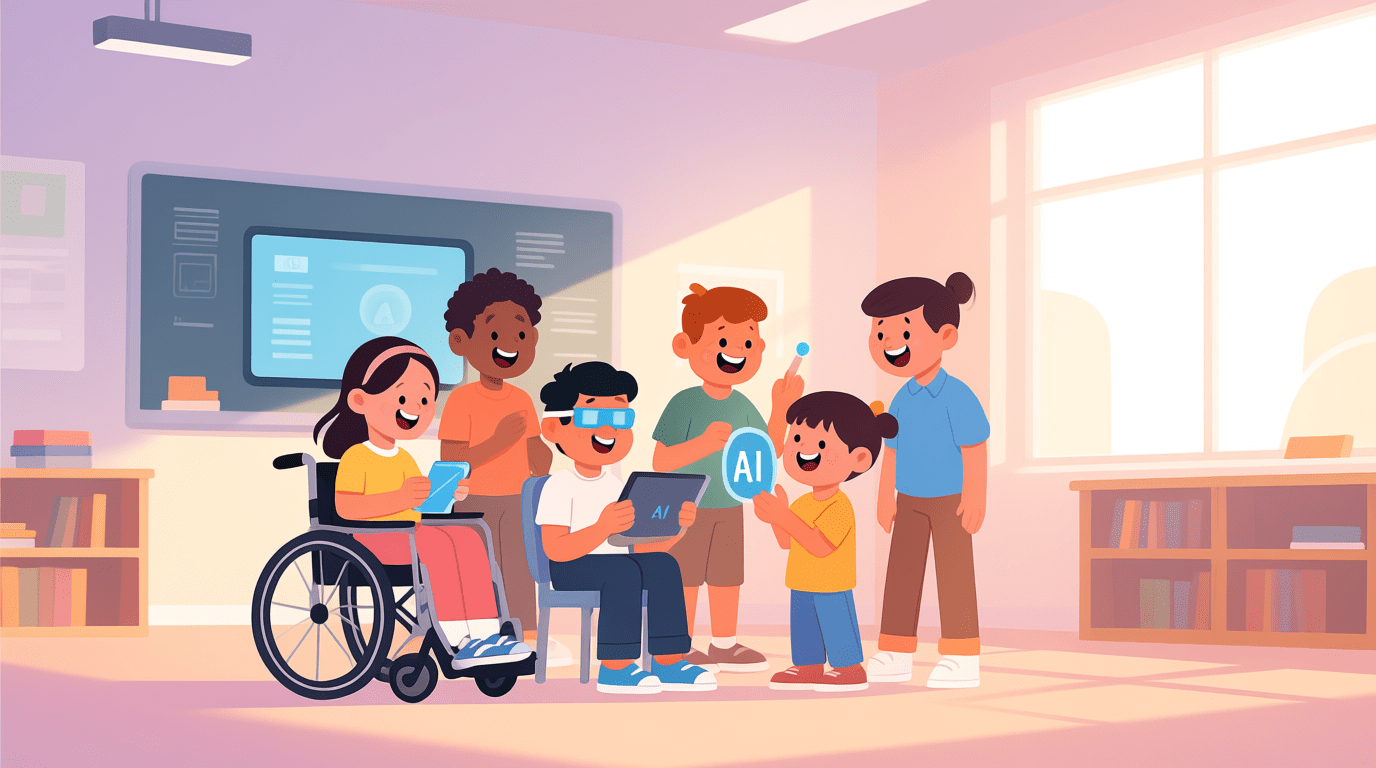
Every child learns in a different way. Some students find it hard to read, write, speak, focus, or see and hear clearly. In the past, teachers did not have many options to support these students. But now, AI tools for Special Education in 2026 are making learning easier for children with disabilities.
Today, AI can read text aloud, simplify difficult sentences, turn speech into clear text, and even act like a patient tutor who explains lessons again and again without getting tired. This helps students learn at their own speed and gives teachers more time to support them.
In this guide, you will learn about the best AI tools that help students with disabilities in 2026, how they work, and why they are making classrooms more inclusive and comfortable for every learner.
Why AI Tools in Special Education Matters in 2026
Students with disabilities often need extra time, support, and personalised teaching. Without the right tools, they may feel left out or struggle to understand lessons. This is where AI makes a big difference. AI does not judge, gets tired, or lose patience. It provides support whenever the student needs it.
Here is why AI has become important in special education:
- Personalised learning: AI adjusts lessons based on the student’s speed and understanding.
- Better accessibility: Students with vision, speech, or hearing difficulties get real time help.
- Teacher support: AI prepares worksheets, activities, and even checks answers, saving teachers many hours.
- More confidence: Students learn privately without fear of making mistakes or being judged.
Because of these benefits, AI is helping teachers create fair and inclusive classrooms where every child can learn comfortably.
Quick Summary: Best AI Tools for Special Education in 2026
This table shows the best AI tools that help students with different learning needs. Each tool supports a specific challenge such as reading, speech, vision, writing, or behaviour. Teachers can quickly see which tool is useful for which type of student and choose the right one without confusion.
| S.No | AI Tool | Best For | Category | What It Helps With |
|---|---|---|---|---|
| 1 | Voiceitt | Students with unclear speech | Speech Support | Turns non standard speech into clear voice so others can understand |
| 2 | Khanmigo | Safe personalised tutoring | AI Tutoring | Guides students step by step without giving direct answers |
| 3 | Seeing AI | Blind or low vision learners | Vision Support | Reads text aloud and describes objects, handouts, and surroundings |
| 4 | GrammarlyGO | Dyslexia and writing struggles | Reading and Writing | Improves clarity, tone, and spelling to make writing easier |
| 5 | Wysa | Students with anxiety or stress | Emotional Support | Gives private emotional help using safe AI chat and CBT techniques |
| 6 | Otter.ai | Hearing loss or attention issues | Hearing Support | Converts speech into live text captions and searchable notes |
| 7 | Quillbot | Reading comprehension difficulties | Reading Support | Simplifies long or complex text into easy to understand sentences |
| 8 | NaturalReader | Dyslexia or visual impairment | Text to Speech | Turns printed books and digital text into natural sounding audio |
Detailed Review of the Best AI Tools for Special Education
Now that you have seen the quick summary, let us look at each AI tool in detail. Every tool supports a specific learning need such as speech, reading, vision, writing, or emotional behaviour. This section will help you understand how each tool works, why it is useful, and how it can support students with disabilities in real classroom situations.
Voiceitt
Voiceitt is a powerful AI tool made for students who have difficulty speaking clearly. Some students with conditions like cerebral palsy, Down syndrome, or speech delays may have speech that others find hard to understand. Voiceitt listens, learns their speech patterns, and translates their words into clear audio or text.
Why Voiceitt is Useful
- Understands non standard speech
- Translates spoken words into clear language that others can understand
- Helps students communicate in class without repeating themselves
- Works with smart devices and classroom tools
Students who use Voiceitt feel more confident because they do not need someone else to speak for them. It gives them an independent voice and helps them take part in classroom discussions comfortably.
Khanmigo
Khanmigo is an AI tutor created by Khan Academy, and it is designed to help students learn at their own pace. Many students with learning disabilities need extra time and guidance. Khanmigo does not give answers directly. Instead, it asks questions and guides students step by step, just like a patient teacher.
Why Khanmigo is Useful
- Works like a safe and friendly tutor available anytime
- Explains lessons in simple language
- Helps students think and solve problems on their own
- Supports teachers with lesson plans and learning activities
Khanmigo is especially helpful for students who struggle to understand concepts the first time. It makes learning calm, safe, and stress free, which builds confidence and encourages independent thinking.
Seeing AI
Seeing AI is a free app created by Microsoft for students who are blind or have low vision. It uses the camera on a phone or tablet to describe the world around them. Students can point the device at a book, object, or even a person, and Seeing AI reads text aloud or explains what is in front of them.
Why Seeing AI is Useful
- Reads printed text aloud for students who cannot see clearly
- Describes objects, people, and surroundings
- Helps students understand worksheets, handouts, and classroom materials
- Gives independence to students with visual impairments
Seeing AI makes learning easier because students do not need to wait for someone to read or describe things for them. They can find answers and explore information on their own.
GrammarlyGO
GrammarlyGO is an AI writing tool that helps students who struggle with spelling, grammar, and sentence structure. Many students with dyslexia or writing difficulties find it hard to organise their thoughts or choose the right words. GrammarlyGO fixes mistakes, suggests better wording, and makes writing easy to understand.
Why GrammarlyGO is Useful
- Corrects spelling, grammar, and punctuation mistakes
- Suggests clearer and simpler sentences
- Helps students choose the right tone for messages and assignments
- Builds writing confidence for students with learning challenges
GrammarlyGO supports students by making writing less stressful. It helps them express ideas clearly, which improves communication in both schoolwork and daily life.
Wysa
Wysa is an AI chatbot that supports emotional and mental well being. Many students with ADHD, anxiety, or stress may find it hard to talk about their feelings with others. Wysa listens to them privately and gives calming responses, helpful exercises, and techniques to manage emotions.
Why Wysa is Useful
- Provides safe emotional support anytime
- Uses simple exercises to reduce stress and anxiety
- Helps students control emotions and focus better
- Encourages healthy thinking and calm behaviour
Wysa helps students feel heard without fear of judgment. This emotional support improves confidence and makes learning easier for students who struggle with behaviour or stress.
Otter.ai
Otter.ai is an AI tool that turns speech into text in real time. It is very helpful for students who have hearing difficulties, ADHD, or trouble taking notes during class. Instead of trying to listen and write at the same time, they can read live captions and review notes later.
Why Otter.ai is Useful
- Creates live captions for classroom lessons
- Saves lectures as searchable notes
- Helps students focus on listening instead of writing
- Makes learning easier for students with hearing or attention challenges
Otter.ai gives students equal access to information. They can read what the teacher says instantly and never miss important details during lessons.
Quillbot
Quillbot is an AI tool that rewrites long or difficult sentences into simpler language. Students with reading difficulties or learning disabilities often struggle to understand complex text. Quillbot helps them by turning these sentences into easy English without changing the meaning.
Why Quillbot is Useful
- Simplifies hard text into clear, easy sentences
- Helps students understand lessons, homework, and study material
- Improves reading comprehension for struggling learners
- Supports writing by offering better word choices
Quillbot makes reading less stressful and helps students learn faster because they do not get stuck on difficult words or complex explanations.
NaturalReader
NaturalReader is an AI text to speech tool that reads digital and printed text aloud in a natural sounding voice. It is very helpful for students with dyslexia, visual impairments, or those who struggle to read for long periods.
Why NaturalReader is Useful
- Reads books, websites, and documents aloud
- Turns printed pages into audio using OCR
- Uses natural voices that sound real and easy to follow
- Helps students understand lessons without struggling to read
NaturalReader allows students to learn by listening instead of reading. This reduces pressure, improves understanding, and makes learning more comfortable and independent.
Benefits of AI Tools in Special Education
AI tools are making classrooms more supportive and accessible for students with disabilities. They help teachers understand each child’s needs and give students the confidence to learn at their own speed. Here are some key benefits:
1. Builds Confidence
Students get help privately without feeling embarrassed or judged. This support encourages them to try new tasks and communicate more confidently.
2. Makes Learning Accessible
AI tools can read text aloud, create captions, simplify hard sentences, or convert speech into clear words. This removes barriers and helps every student learn comfortably.
3. Saves Time for Teachers
Teachers do not need to spend long hours planning lessons or grading work. AI handles repetitive tasks so teachers can focus on personalised teaching.
4. Encourages Independent Learning
Students can use AI tools to practice, read, write, or ask questions anytime. They do not need to always rely on teachers or classmates.
5. Improves Classroom Inclusion
AI ensures that students with disabilities can participate in the same activities as others. Everyone gets equal access to learning, which creates a fair and inclusive environment.
Challenges of Using AI Tools in Special Education
Even though AI tools are helpful, they also bring some challenges. Teachers and schools must understand these issues before using AI in the classroom.
1. Cost and Access
Some AI tools need paid plans or strong internet connections. Not all schools or families can afford these resources.
2. Training for Teachers
Teachers need time to learn how to use new AI tools properly. Without training, many features may go unused.
3. Privacy Concerns
AI tools collect student data. Schools must ensure that the information is safe and protected at all times.
4. Overdependence on Technology
If students rely too much on AI, they may stop trying to think or solve problems on their own. AI should support learning, not replace effort.
5. Not Perfect for Every Student
Different disabilities need different solutions. One AI tool cannot help every child. Teachers must choose tools based on the student’s needs.
The Future of AI Tools in Special Education
AI in special education is still growing, and the future looks even more exciting. In the coming years, AI tools will become smarter, faster, and more personalised. This will help students learn in ways that were impossible before.
What We Can Expect
1. Personal AI Tutors for Every Student
AI will understand each child’s learning style and create lessons made just for them.
2. Better Support for All Disabilities
More tools will be developed for speech, reading, behaviour, and physical disabilities.
3. VR and AR Learning
Students may learn through virtual reality and augmented reality, making lessons more real and easier to understand.
4. Fully Accessible Classrooms
Classrooms may have instant captions, text readers, speech devices, and smart boards that support every type of learner.
5. Seamless Teacher Assistance
AI will create lesson plans, grade work, and track progress without any manual effort.
The future of AI in education is not just about technology. It is about giving every child a fair chance to learn and succeed.
Final Thoughts
AI is not here to replace teachers. It is here to support them and make learning easier for students with disabilities. With the right AI tools, students can learn at their own pace, understand lessons better, and feel more confident in the classroom. Teachers also save time and can give more attention to students who need extra help.
The best part is that AI tools are becoming easier to use every year. You do not need special skills to start. Just try one tool, explore its features, and see how it helps your students. Small changes can lead to big improvements.
So, which AI tool will you test first? Voiceitt for speech, Quillbot for reading, or NaturalReader for text to speech? Start today and make learning more inclusive for every child.
Related Posts
Frequently Asked Questions (FAQs)
No. AI supports teachers, but human guidance, care, and understanding are still very important.
Yes, most tools are safe when used under teacher or parent supervision.
No. Different disabilities need different tools. Teachers must choose the right one for each student.
Some tools are free, and some have paid versions with extra features.
Yes. Tools like Voiceitt help non verbal students communicate clearly.
Some tools need the internet, while others work offline. It depends on the tool.
Not if used correctly. AI should support learning, not replace effort.