
Every voice assistant has the same tell. You talk, it waits for silence, then it talks back. Pause too long mid-sentence and it jumps in early. Talk over background noise and it might miss that you’re still going. Every system has worked this way since the start, including ChatGPT’s own Advanced Voice Mode. Silence has always been the signal that tells the model when to respond.
OpenAI rebuilt that decision-making entirely with GPT-Live. Launched July 8, 2026, GPT-Live listens and thinks at the same time you’re talking, not after you stop. It’s now the new default for ChatGPT Voice. Older Standard and Advanced Voice Mode still stay available if you want to switch back.
GPT-Live ChatGPT Voice: The Old Way, and Why It Broke
Turn-based voice works like a walkie-talkie. One side transmits, the other side waits, then the roles flip. It’s simple to build, but the system has to guess when you’re actually finished. Silence is its only real signal. Background noise, a thinking pause, or a half-formed sentence can all trip up that guess.
What GPT-Live Actually Changes
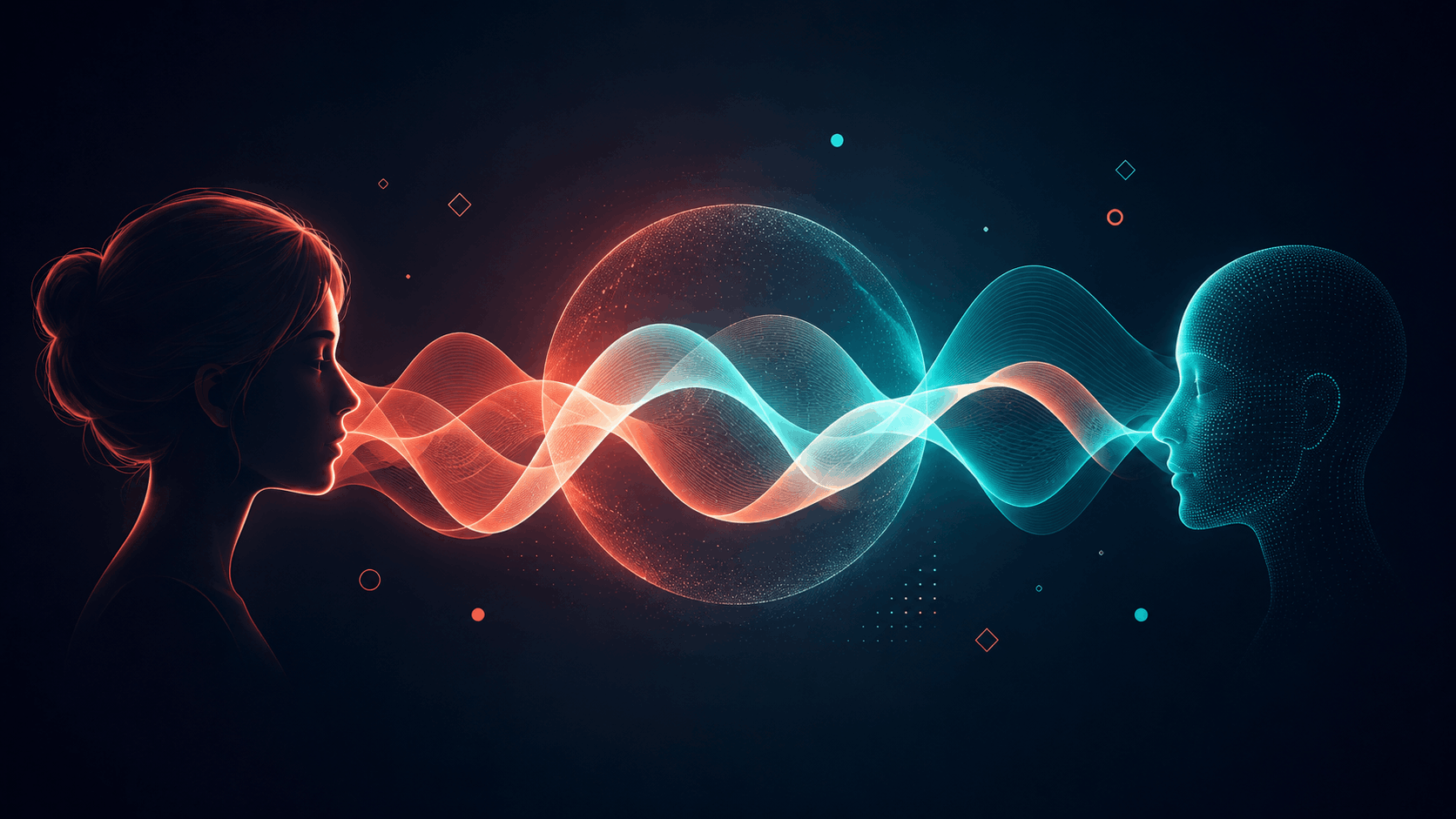
GPT-Live runs on what OpenAI calls a full-duplex architecture. It processes what you’re saying and starts forming a response in the same moment, the way a person naturally does in conversation. It can jump in, go quiet, or drop in a quick “mhmm” while you’re mid-sentence. And It makes that call continuously instead of waiting for a pause to end. Interrupt it with a follow-up question, or ask it to slow down, and it adjusts instead of barreling ahead. It’s also better now at telling a real pause from background noise, so it waits instead of jumping in at the wrong moment.
For harder questions, GPT-Live hands off to a frontier model in the background, GPT-5.5 at launch. The conversation keeps flowing, so the transition happens in the background rather than as a visible pause. You can also set how much it thinks before answering. Choose Instant for quick replies, or Medium and High when you want deeper reasoning first.
GPT-Live is rolling out today as the default voice experience in ChatGPT. GPT-Live-1 goes to Go, Plus, and Pro users. GPT-Live-1 mini becomes the default for Free users. It’s live on iOS, Android, and ChatGPT.com, though video and screen sharing aren’t supported yet. Voice can also pull up rich visual cards mid-conversation now, things like weather, stocks, sports, and maps, without you having to stop talking and start typing.
Why GPT-Live’s Architecture Matters
The biggest change isn’t the voice quality. OpenAI separated conversation timing from reasoning. GPT-Live handles the real-time back-and-forth, while a frontier model steps in only when deeper thinking is needed. That split makes conversations feel more natural without slowing answers down. It’s a different kind of architecture than a smarter model bolted onto the same old turn-based system.
Should You Care About GPT-Live?
If you use ChatGPT Voice, yes, and there’s nothing to set up. It’s already becoming the default. OpenAI says over 150 million people use ChatGPT Voice or Dictation weekly. Most existing users will simply notice the change on their own.
One thing worth knowing directly rather than secondhand: this involves real-time conversation, so OpenAI built dedicated safety training and safeguards specifically for voice. That covers self-harm, emotional reliance on AI, and age-appropriate behavior for teens, including parental controls and crisis-support flows adapted for voice. Those safeguards won’t matter in every conversation. They’re still a real part of building a system meant for continuous, real-time interaction rather than the short, turn-based exchanges voice AI has used until now.
Source: OpenAI: Introducing GPT-Live
Recent OpenAI Releases: GPT-5.6 Sol Preview