
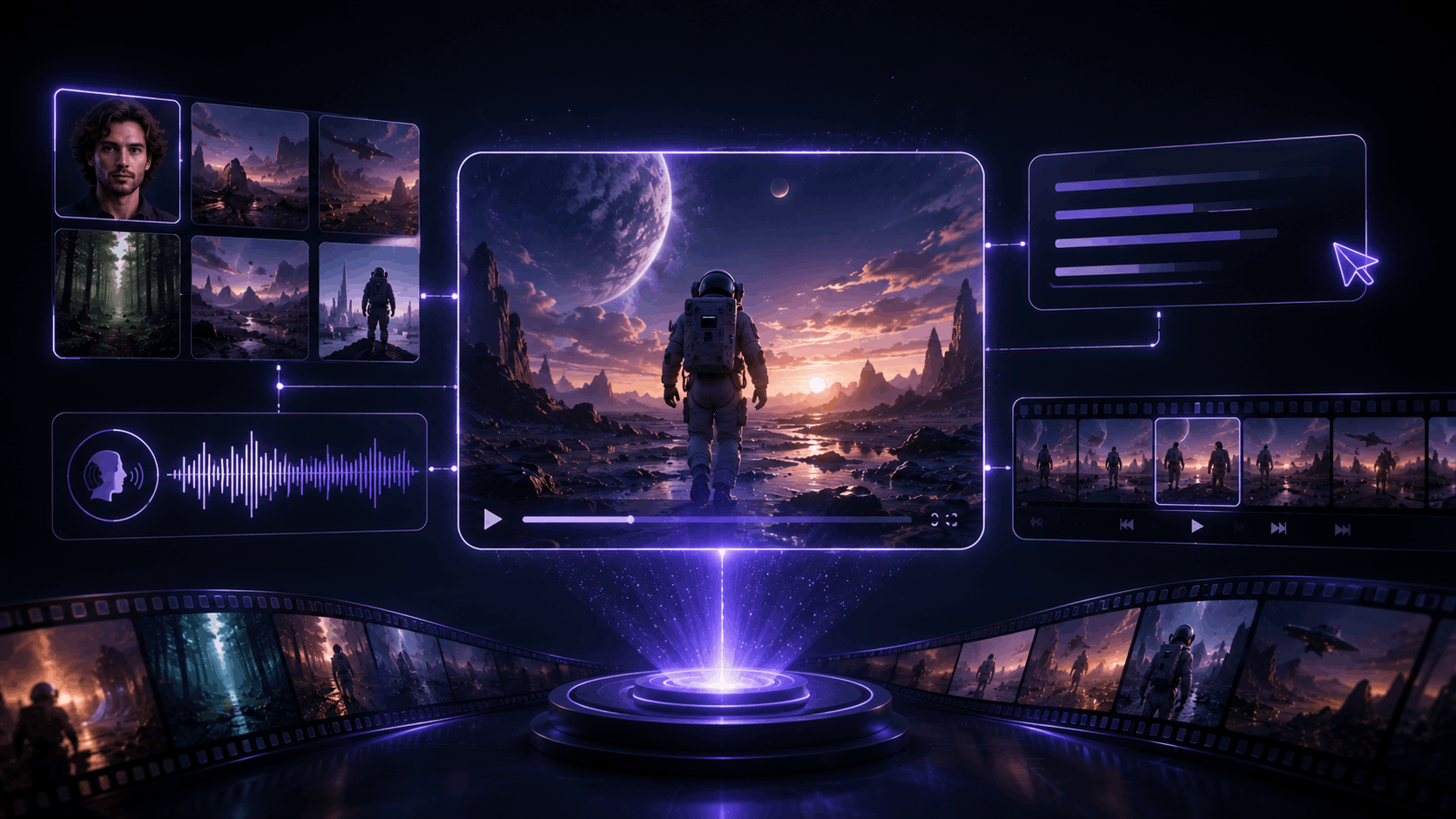
SpaceXAI released Imagine Video 1.5 last month, calling it its best video model yet. Today the company pushed it further. Grok’s video generator can now take an image or a voice clip as a reference, generate video straight from a text prompt with no starting image at all, and output at native 1080p.
What’s New
- Text-to-video is now available. You can describe a shot in words alone, no starting image required, and the model pairs its own image generation with image-to-video to build the result
- Native 1080p is supported for both text-to-video and image-to-video, and it’s generally available today on grok.com/imagine, iOS, and Android
- Voice consistency lets you pass in a character image and a voice reference together, so the same face and the same voice show up in every scene
- Multi-Reference support locks specific elements in place across a generation, a face, a product, a location, up to seven reference images at once. Keep a character and swap the scene, keep the scene and swap the character, or hold both in place and change only the action
- Image references, text-to-video, and native 1080p are already live in the xAI API using the
grok-imagine-video-1.5model. Voice reference support in the API is available on request rather than open by default - Image and voice references start today in the US for SuperGrok Heavy and SuperGrok Plus subscribers, rolling out to all tiers over the next few days
Why It Matters
The reference system is the real update here, more than the resolution bump. Video generators have gotten good at making a single clip look real. Keeping the same face, voice, and setting consistent across multiple separate generations has been the harder problem, the one that actually decides whether AI video is usable for something longer than a single clip, like a short story, a product demo, or a recurring character.
Multi-Reference splitting character, scene, and action into swappable, independent pieces is a meaningfully more flexible way to work than a single reference image. It starts to look less like a novelty generator and more like an actual production tool, one where you can lock down what needs to stay consistent and freely change everything else around it.
Should You Care?
If you use Grok’s Imagine tool for video, yes, this is a real capability upgrade, not just a version bump. Text-to-video removes the need to source or generate a starting image first, and voice-plus-character consistency is the kind of feature that matters the moment you’re making more than one clip of the same subject.
If you’re not already using Grok Imagine, this is a reasonable moment to try it. SuperGrok Heavy and Plus subscribers in the US get access today, with wider rollout to other tiers coming within days.
Related: SpaceXAI Launches Grok 4.5