

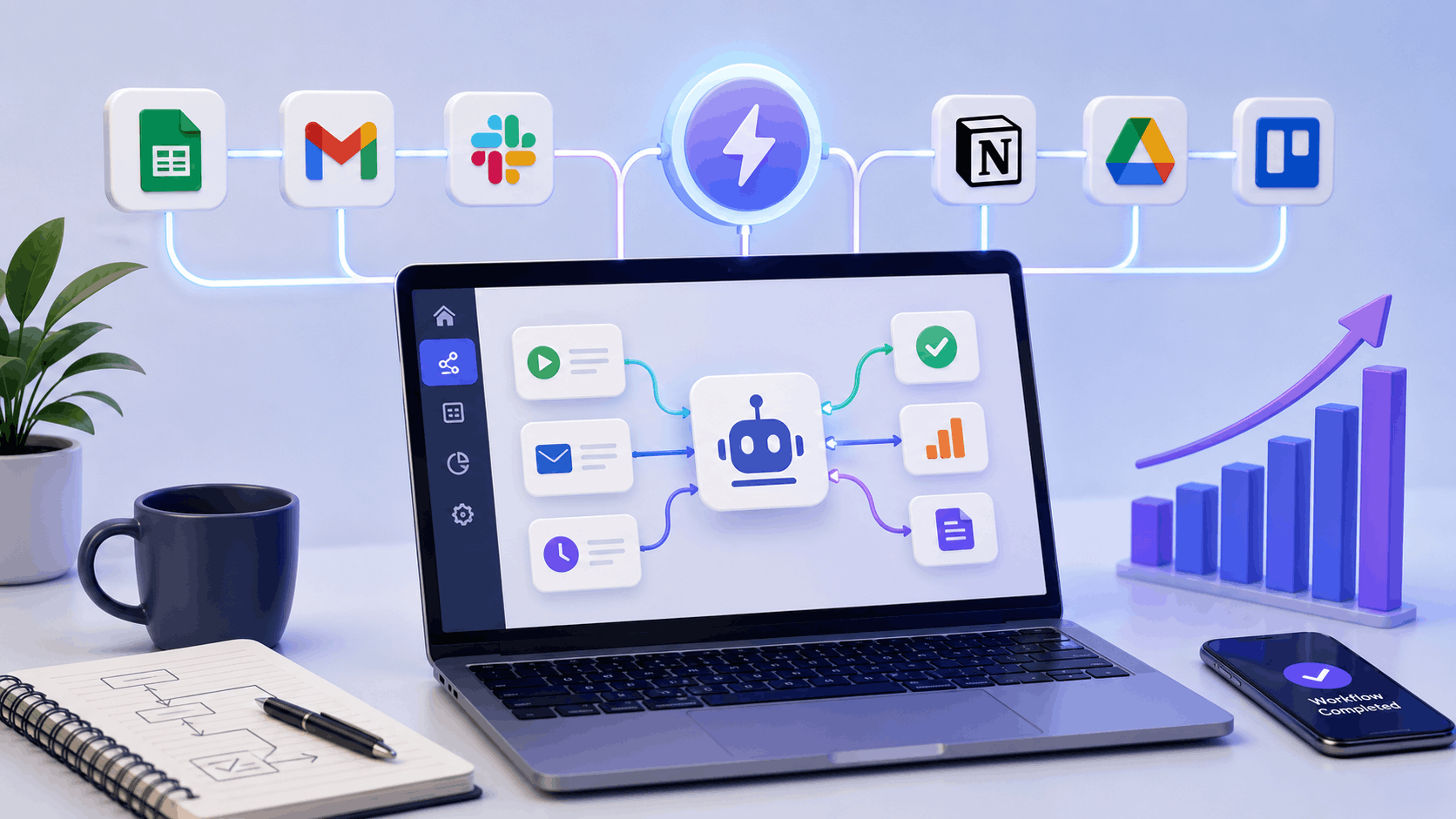
AI workflow automation tools are becoming a daily helper for many professionals in 2026. If you feel that your day is filled with repetitive tasks like updating sheets, sending routine emails, moving data between apps, or tracking work manually, you are not alone. These small tasks slowly eat up time and energy, even though they do not need constant human effort.
This is where AI workflow automation tools make a real difference. They help you automate routine work, connect your favourite apps, and keep processes running smoothly in the background. From freelancers and marketers to startups and growing teams, more people now rely on workflow automation to stay organised and productive.
In this guide, you will learn what AI workflow automation tools are, how they work in real life, and which tools are worth using in 2026. By the end, you will have a clear idea of how to start automating your workflows without technical complexity or confusion.
Why Use AI Workflow Automation Tools?
AI workflow automation tools help you stop wasting time on work that can easily run on its own. In 2026, work is faster, tools are connected, and expectations are higher. Manually managing everything only increases stress and errors.
Here is why more people are using AI workflow automation tools today:
Save Time on Repetitive Work
Tasks like data entry, status updates, follow ups, and file organisation take hours every week. Automation handles these tasks instantly so you can focus on meaningful work.
Reduce Human Errors
Manual processes often lead to missed steps or incorrect data. AI based automation follows the same process every time, which improves accuracy and consistency.
Connect Multiple Apps Easily
Most teams use many tools like email, CRM, project management, and spreadsheets. AI workflow automation tools connect these apps and move data automatically without coding.
Improve Productivity and Focus
When routine tasks run in the background, your mind stays clear. This helps you think better, plan smarter, and work with less pressure.
Scale Work Without Extra Effort
As your workload grows, automation grows with you. You do not need to hire immediately or spend extra hours managing processes.
In short, AI workflow automation tools help you work smarter, stay organised, and maintain control as your work becomes more complex.
Quick Summary Table: AI Workflow Automation Tools in 2026
Before diving into detailed reviews, it helps to see a quick comparison. Not every AI workflow automation tool works the same way. Some are designed for beginners who want fast results, while others are built for advanced users who need full control.
The table below gives you a simple snapshot of the best AI workflow automation tools in 2026. You can quickly check which tool fits your work style, whether you want something easy to set up, more flexible, or fully AI driven. This makes it easier to shortlist the right option before going deeper into each tool.
| Tool | Best For | Free Plan | Key Strength |
|---|---|---|---|
| Zapier | Beginners and small teams | Yes | Easy no-code app automation |
| Make | Advanced workflows | Yes | Visual and highly flexible workflows |
| n8n | Developers and tech teams | Yes | Open source and self-hosted control |
| Microsoft Power Automate | Microsoft users | Yes | Deep Microsoft and AI Builder integration |
| Gumloop | AI-first automation | Limited | Agent-based intelligent workflows |
Detailed Tool Reviews: AI Workflow Automation Tools
In this section, we will look at each AI workflow automation tool in detail. Every tool works slightly differently, so understanding their strengths and limitations is important before choosing one.
Each review below explains what the tool does, its key features, pros and cons, whether it offers a free plan, and who it is best suited for. This will help you decide which AI workflow automation tool matches your work style and automation needs in 2026.
Zapier
Zapier is one of the most popular AI workflow automation tools in 2026, mainly because it makes automation easy for everyone. You do not need technical knowledge or coding skills to use it. If you can use basic apps like email or spreadsheets, you can use Zapier.
At its core, Zapier works on a simple idea. When something happens in one app, it automatically triggers an action in another app. For example, when someone fills out a form, Zapier can add the data to a spreadsheet, send you an email, and update your CRM, all without manual work.
In recent updates, Zapier has added AI powered features that suggest workflows based on the apps you use. This reduces setup time and helps beginners understand what can be automated.
Key features
- Connects more than 6000 apps
- AI suggested automation workflows
- No code and beginner friendly interface
- Multi step workflows called Zaps
- Filters and conditional logic
- Runs workflows automatically in the background
Pros
- Extremely easy to start
- Works with almost every popular app
- Reliable and stable automation
- Good learning resources and templates
Cons
- Free plan has task limits
- Advanced logic and high volume workflows require paid plans
Free or paid
Zapier offers a free plan that is good for testing simple workflows. Paid plans unlock multi step automations, higher task limits, and advanced features.
Best for
Zapier is best for freelancers, marketers, solo founders, and small teams who want quick automation without complexity. It is also ideal for beginners who are trying AI workflow automation tools for the first time.
Make
Make is a powerful AI workflow automation tool designed for users who want more control over their workflows. Unlike simple trigger based automation, Make lets you visually design complex workflows with multiple steps, conditions, and branches. This makes it ideal for advanced use cases in 2026.
Make uses a drag and drop visual builder where you can see how data moves between apps. Its AI assisted logic helps users handle conditional paths, errors, and large workflows more efficiently. Although it takes a little time to learn, it becomes extremely flexible once you understand the flow.
Key features
- Visual workflow builder with drag and drop interface
- Supports complex multi step workflows
- AI assisted conditional logic
- Error handling and execution control
- Connects with hundreds of popular apps
Pros
- Very flexible and powerful
- Clear visual view of workflows
- Better control over data flow
- Good for advanced automation needs
Cons
- Learning curve for beginners
- Interface may feel complex at first
Free or paid
Make offers a free plan with limited operations, which is enough for testing and small workflows. Paid plans are available for higher usage and advanced features.
Best for
Make is best for power users, operations teams, and businesses that need advanced workflow logic and flexibility beyond basic automation.
n8n
n8n is a powerful open source AI workflow automation tool built for users who want full control over their workflows. Unlike fully managed platforms, n8n allows you to self host your automation system, which gives better flexibility, customisation, and data control in 2026.
n8n works well for complex workflows that involve APIs, databases, and AI models. It supports AI integrations and custom logic, making it a strong choice for technical users. While it is not as beginner friendly as no code tools, it offers unmatched freedom once set up.
Key features
- Open source and self hosted option
- Visual workflow builder with nodes
- AI model and API integrations
- Custom logic and scripting support
- Strong control over data and security
Pros
- Complete control over workflows
- No vendor lock in
- Cost effective for high usage
- Highly customisable
Cons
- Requires technical knowledge
- Setup and maintenance take time
Free or paid
n8n is free when self hosted. It also offers a paid cloud version for users who want managed hosting without setup complexity.
Best for
n8n is best for developers, technical teams, and organisations that need advanced automation with full control and data ownership.
Want to learn more about n8n? Read our full n8n review to explore its features, pricing, pros, cons, and real-world automation use cases.
Microsoft Power Automate
Microsoft Power Automate is a strong AI workflow automation tool for teams that already use Microsoft products. In 2026, it plays a key role in automating tasks across Microsoft 365 apps like Outlook, Excel, SharePoint, Teams, and OneDrive.
One of its biggest advantages is AI Builder, which allows workflows to make smart decisions. For example, it can read data from documents, process approvals, and route information automatically. Power Automate also supports robotic process automation, which helps automate tasks across desktop applications.
Key features
- Deep integration with Microsoft 365
- AI Builder for intelligent workflows
- Robotic process automation support
- Cloud and desktop automation
- Secure enterprise level environment
Pros
- Best choice for Microsoft users
- Strong security and compliance
- Handles document heavy processes well
- Scales easily for teams
Cons
- Limited value outside Microsoft ecosystem
- Advanced AI features require paid plans
Free or paid
Power Automate includes a free version for basic cloud workflows with Microsoft accounts. Paid plans unlock AI Builder, desktop automation, and higher usage limits.
Best for
Microsoft Power Automate is best for office teams, enterprises, and organisations that work heavily within the Microsoft ecosystem.
Gumloop
Gumloop is a newer, AI native workflow automation tool designed for modern teams in 2026. Unlike traditional automation platforms that focus mainly on triggers and actions, Gumloop is built around AI agents and intelligent workflows. This makes it a strong choice for teams that want automation with reasoning, not just rule based steps.
Gumloop allows you to create workflows where AI agents can analyse data, make decisions, and take actions across tools. It is especially useful for go to market teams, operations, and startups that want flexible automation without heavy setup.
Key features
- AI native workflow and agent based automation
- Natural language style workflow creation
- Connects with popular SaaS tools
- Intelligent decision making inside workflows
- Designed for modern business use cases
Pros
- Built specifically for AI driven automation
- Easy to understand workflows
- Great for dynamic and changing processes
- Modern and clean interface
Cons
- Smaller ecosystem compared to older tools
- Limited free access
- Still evolving as a platform
Free or paid
Gumloop offers limited free access for testing. Paid plans are available for full workflow creation, higher usage, and advanced AI features.
Best for
Gumloop is best for startups, GTM teams, operations teams, and users who want AI first workflow automation instead of traditional rule based systems.
How to Choose the Right AI Workflow Automation Tool
Not all AI workflow automation tools are built for the same type of user. The right choice depends on how complex your workflows are, the tools you already use, and how much control you need.
Here is a simple way to choose the best option for your needs in 2026.
If you want something easy and quick
Go with Zapier. It is best if you want to automate tasks fast without learning complex setups. Ideal for beginners and small teams.
If you need advanced workflow logic
Choose Make. It gives you visual control, branching logic, and better handling of complex workflows.
If you want full control and data ownership
Pick n8n. It is perfect for developers and technical teams who want self hosted automation and custom AI workflows.
If you use Microsoft tools daily
Use Microsoft Power Automate. It works best when your work revolves around Outlook, Excel, Teams, and other Microsoft 365 apps.
If you want AI first automation
Try Gumloop. It is designed for teams that want AI agents to analyse, decide, and act, not just follow fixed rules.
Quick Tip
Start with one small workflow. Test it well. Once it works smoothly, expand step by step. This approach avoids confusion and helps you get real value from AI workflow automation tools.
Limitations of AI Workflow Automation Tools
AI workflow automation tools are powerful, but they are not perfect. Understanding their limitations helps you use them more effectively and avoid unrealistic expectations.
Initial Setup Takes Time
Even no code tools need planning. You must decide what to automate and test workflows carefully before relying on them fully.
Learning Curve for Advanced Use
Simple workflows are easy, but complex automation requires time to learn logic, conditions, and error handling.
Dependence on App Integrations
Automation works only as well as the connected apps. If an app changes its API or has downtime, workflows may stop temporarily.
Cost Can Increase with Usage
Free plans are good for testing, but high volume automation usually requires paid plans.
Data Privacy and Security
Some workflows handle sensitive data. You should always check privacy policies and choose tools that match your security needs.
Important Note
AI workflow automation tools work best when they support human decisions, not replace them completely. Use automation to reduce effort, not to remove judgment.
Who Should Use AI Workflow Automation Tools?
AI workflow automation tools are useful for many types of users, not just technical teams. If you handle repetitive work or manage multiple tools daily, automation can make a big difference.
Freelancers and Solo Professionals
Automation helps manage client work, follow ups, file organisation, and reporting without spending extra hours.
Marketers and Content Teams
Campaign tracking, lead management, email workflows, and reporting can run automatically, saving time and effort.
Startups and Small Businesses
With limited resources, automation helps teams do more without hiring extra staff.
Operations and Admin Teams
Approvals, document handling, and internal processes become faster and more reliable.
Developers and Technical Teams
Advanced users can build custom workflows, integrate APIs, and connect AI models for smarter automation.
Simple Rule
If you repeat the same task every day or week, it is a strong candidate for automation.
Final Thoughts
AI workflow automation tools have become a practical necessity in 2026, not just a nice feature. As work becomes more digital and tool heavy, managing everything manually only slows you down and increases stress.
The right automation tool can quietly handle repetitive tasks, keep your processes organised, and free up time for work that actually needs human thinking. Whether you are a freelancer, a growing business, or a technical team, there is an AI workflow automation tool that fits your needs.
The key is to start small. Automate one simple workflow, test it properly, and then expand step by step. Over time, these tools become reliable assistants that help you work smarter, stay focused, and scale without chaos.
Related Posts
- AI for Task Management Explained
- Best AI Note Taking Apps for Productivity and Meetings
- Best AI Tools for Presentations
Frequently Asked Questions (FAQs)
AI workflow automation tools help automate repetitive tasks and manage workflows using AI and rule based logic.
No. Most AI workflow automation tools are no code or low code and easy to use.
Many tools offer free plans. Paid plans depend on usage and advanced features.
Yes. These tools are especially helpful for small teams and startups.
Most tools follow strong security standards, but you should always check privacy policies.